Over the years I have have done many logo design projects. And more often, people desire to spend less money on a logo design. This attitude towards logo design is harming their brand image, it shows that they do not care. If you desire to create / get a logo inexpensively, then this is what you should do instead.
Cheap Logo Design Solution
For early stage businesses, who do not want to spend money on logo design. They should choose a stylized font, that is most probably paid. And type out their name in it. Then choose a color, that too from font’s page itself. And if they like it pay the fee. This way you have your logo under 10 minutes.
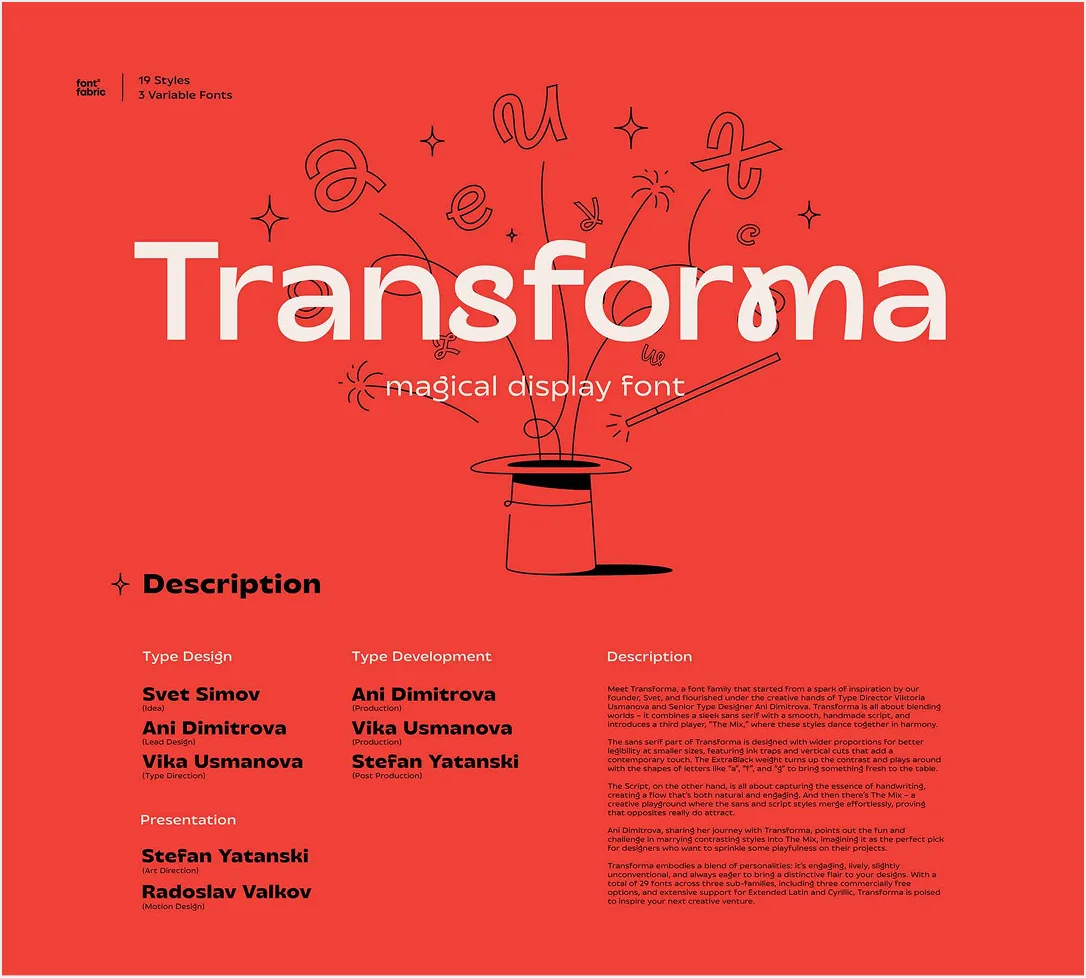
For example, Transforma is a paid font. You see it has a unique look, an aesthetic color combination. It is like a free brand identity that you can take just by purchasing this font.
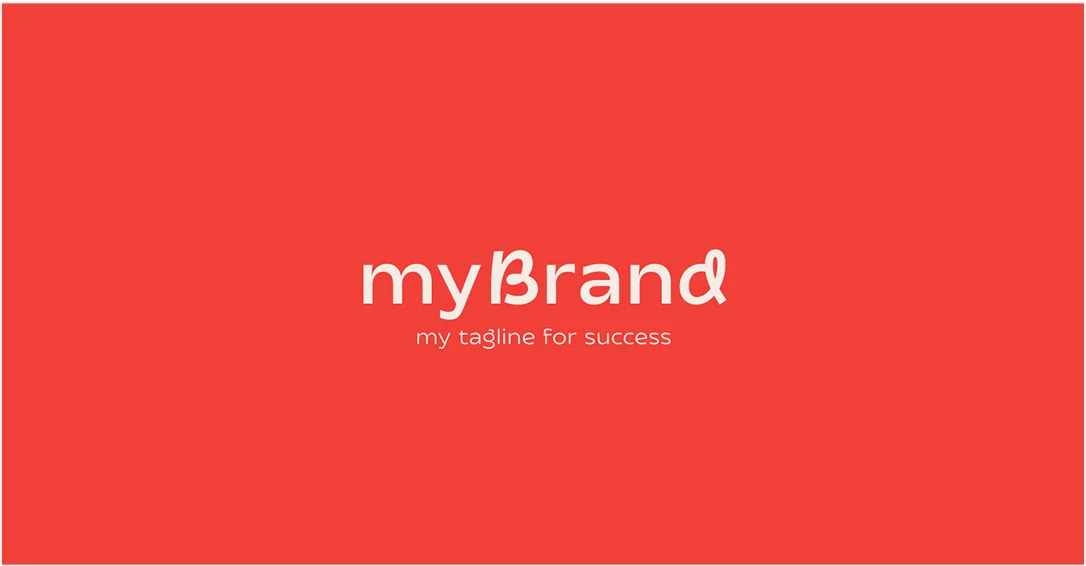
And of course if you have the urge, you can adjust it a little bit.
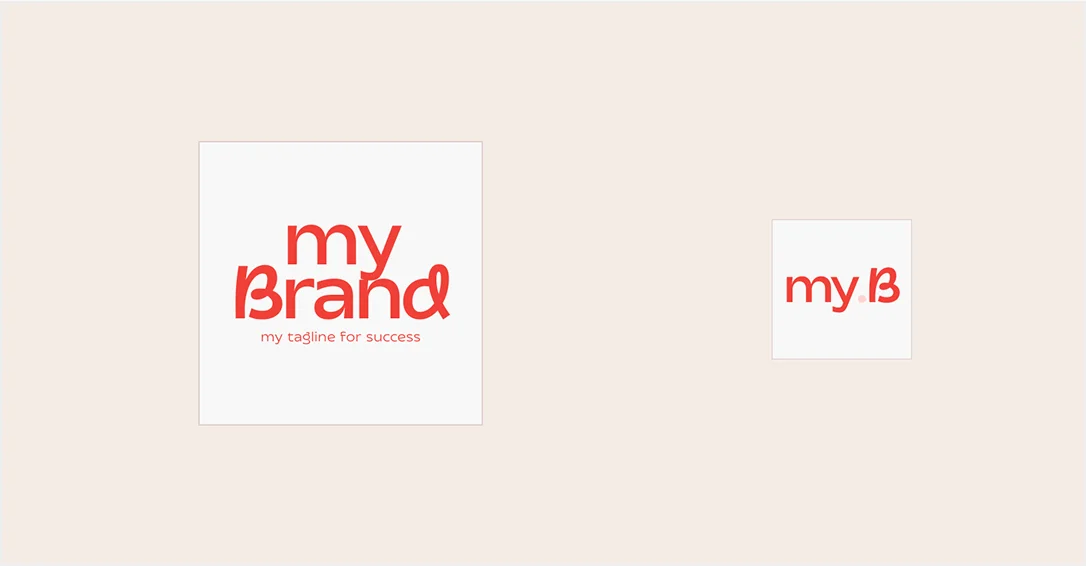
If you liked the idea, show some love by sharing this blog :)
Read further if you have doubts.
How to choose fonts?
There are multiple libraries to do font research - Unblast, Awwwards, FontShare (this one is especially nice if you are a fan of minimalism).
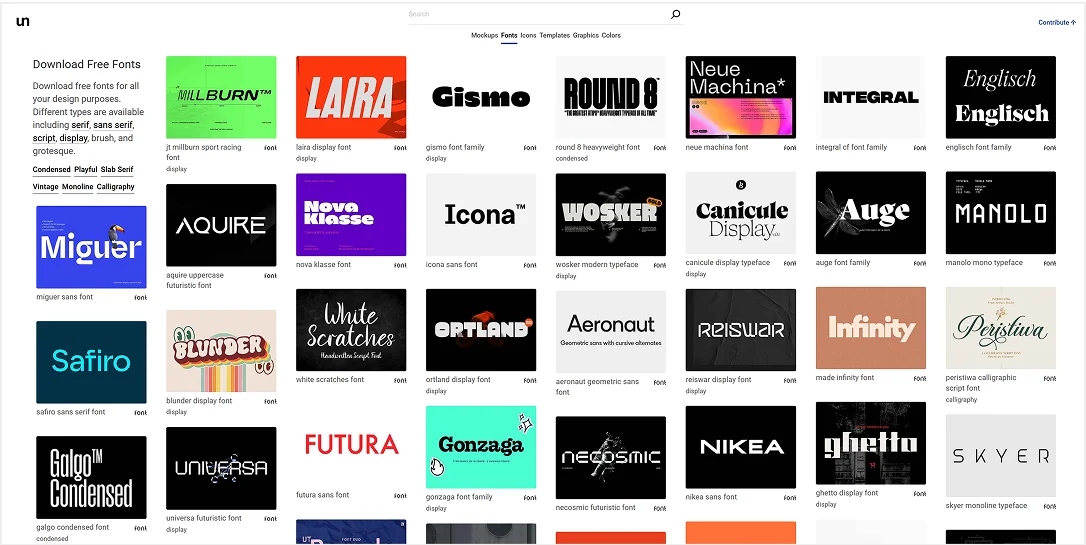
You go to one of these sites, i recommend Unblast and see the font that feels right. Don’t think too much, just try the font you feel is right. If that does not work, then try another. Repeat this process until you are happy.
If you are not sure which tool you can use for this process, simply go to figma website.
Figma for Font Exploration
Figma is a tool for UX Designers but it has other applications as well. It’s the most easy design tool out there.
Firstly, you have to install the font on your system.
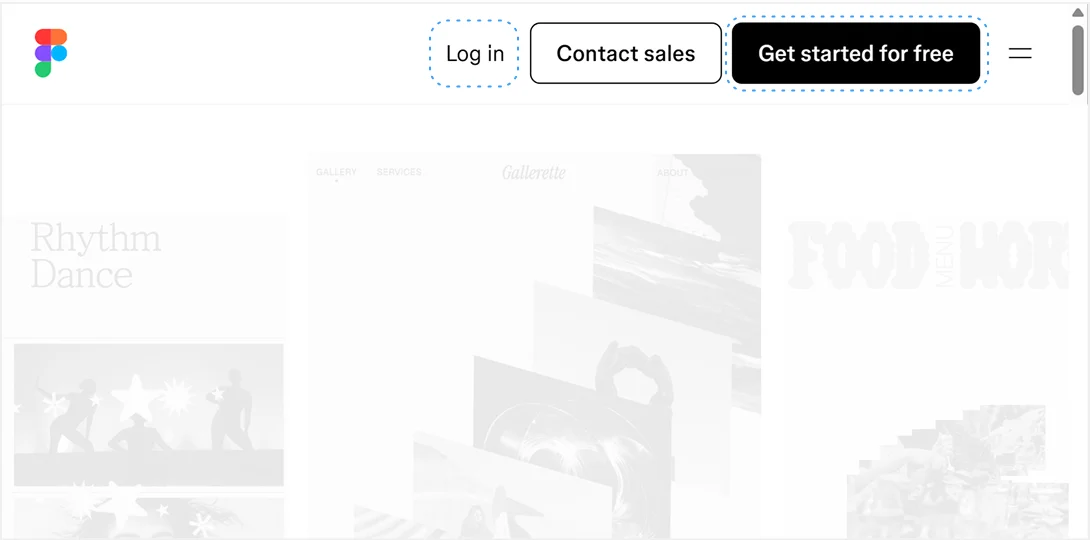
And then “Log in” / “Get started for free” on figma’s website. You will reach the following screen once successful.
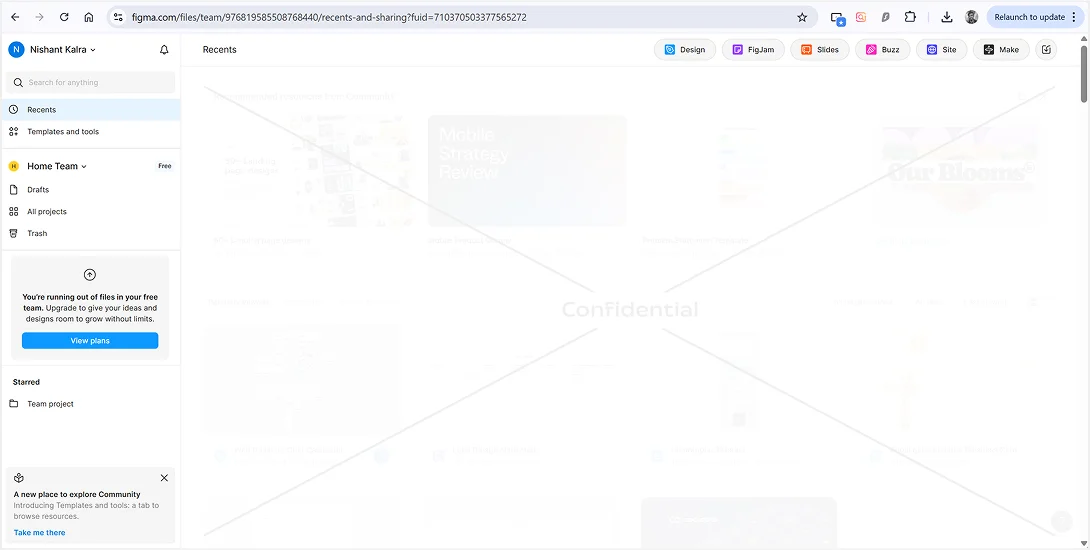
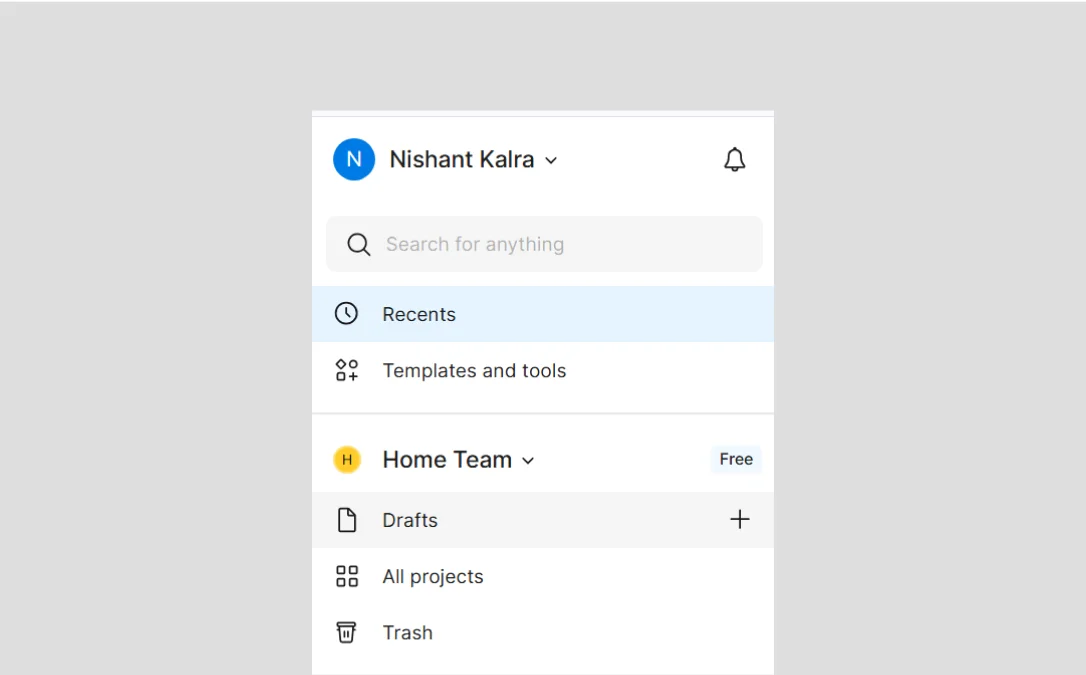
You have to click Drafts “+” Icon to create a new file
And here is your new file where you can try out new fonts
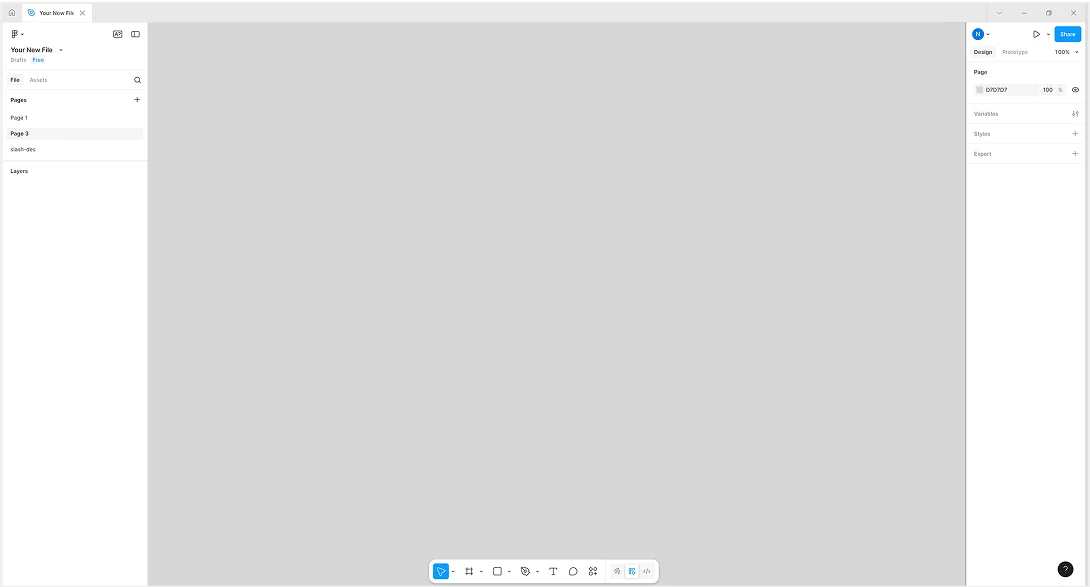
Use Canvas tool to create a new canvas. Just click and drag as shown below. Zoom in and out using Ctrl / Cmd + Scroll, to adjust the camera according to canvas.
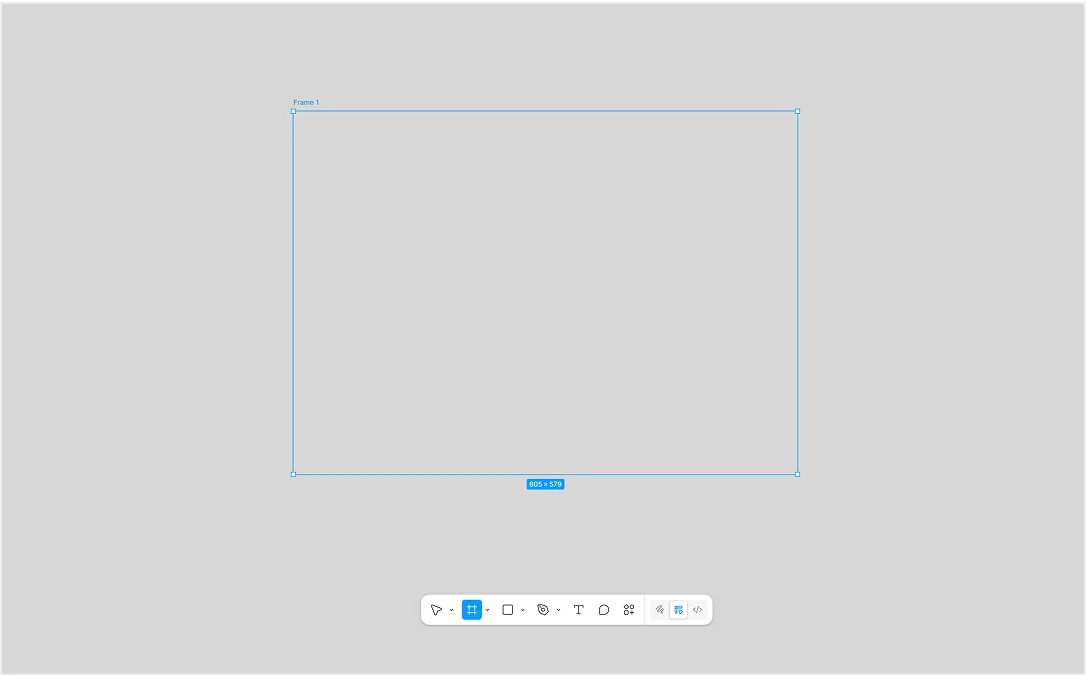
Use Canvas tool to create a new canvas. Just click and drag as shown below. Zoom in and out using Ctrl / Cmd + Scroll, to adjust the camera according to canvas.
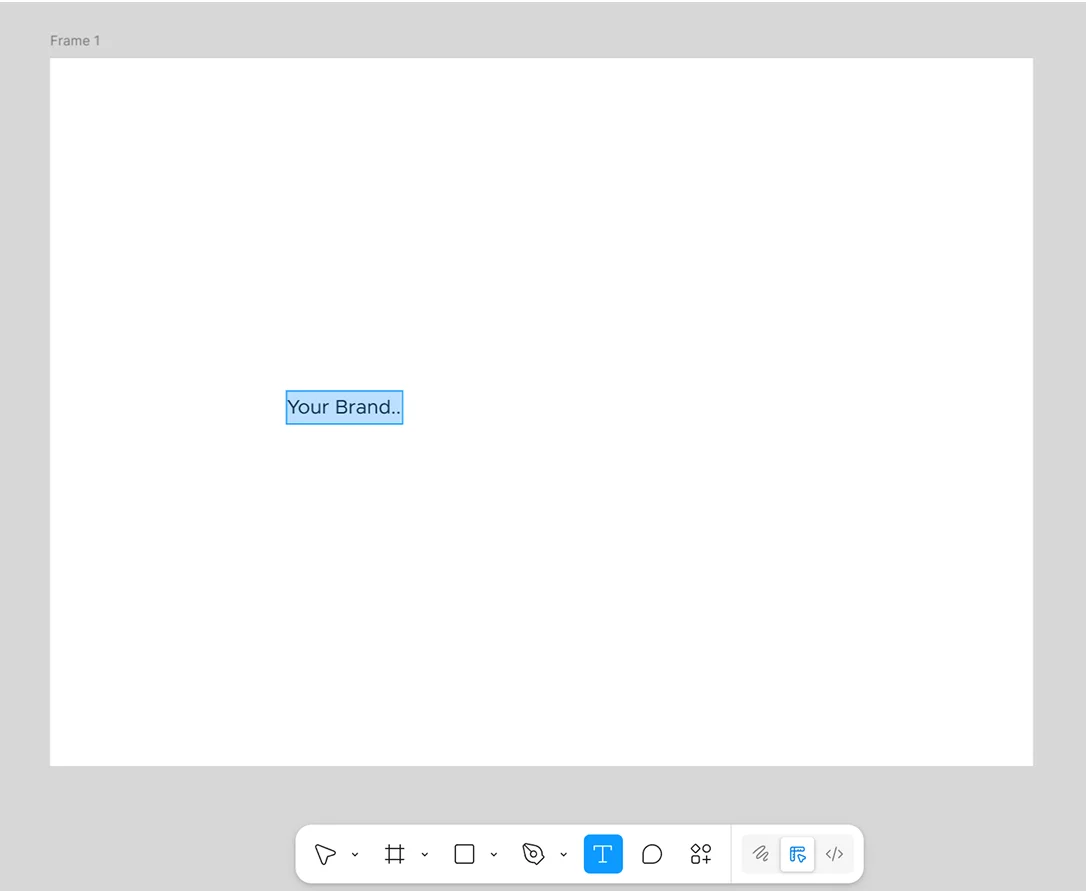
Press “K” on your keyboard to bring out the Scale took. Click your brand name and click and drag.
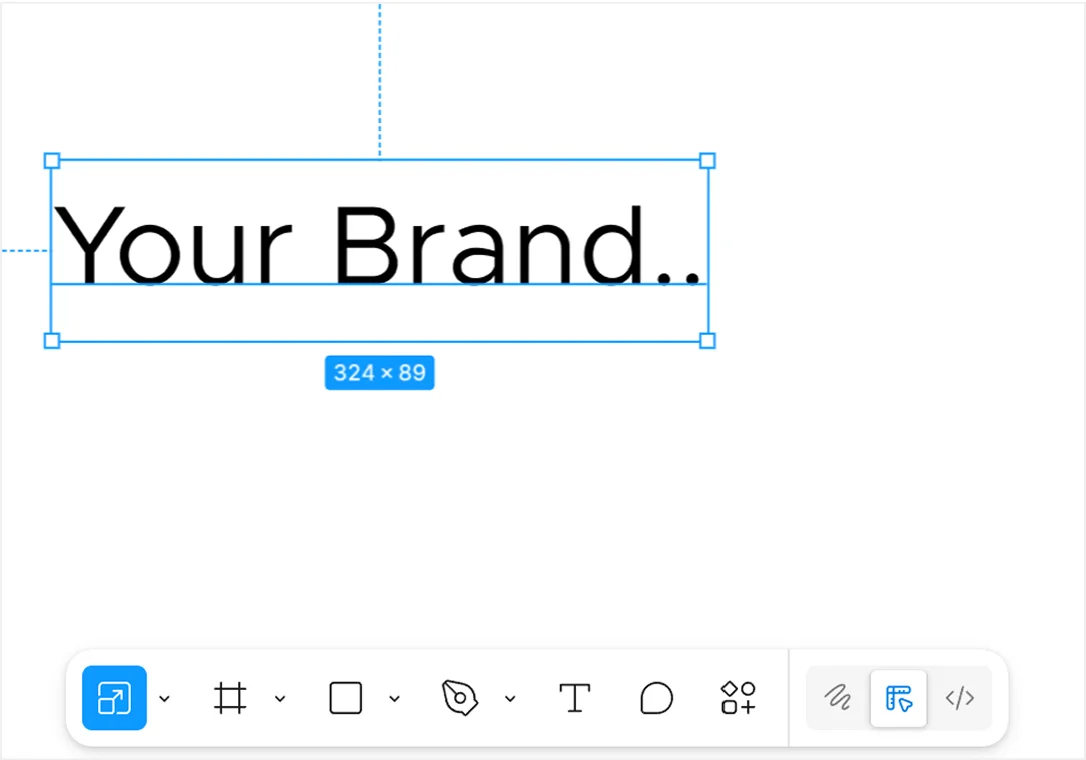
Now Everything that you can and want to adjust is on the right panel, No need to go anywhere else. And that’s the magic of Figma!
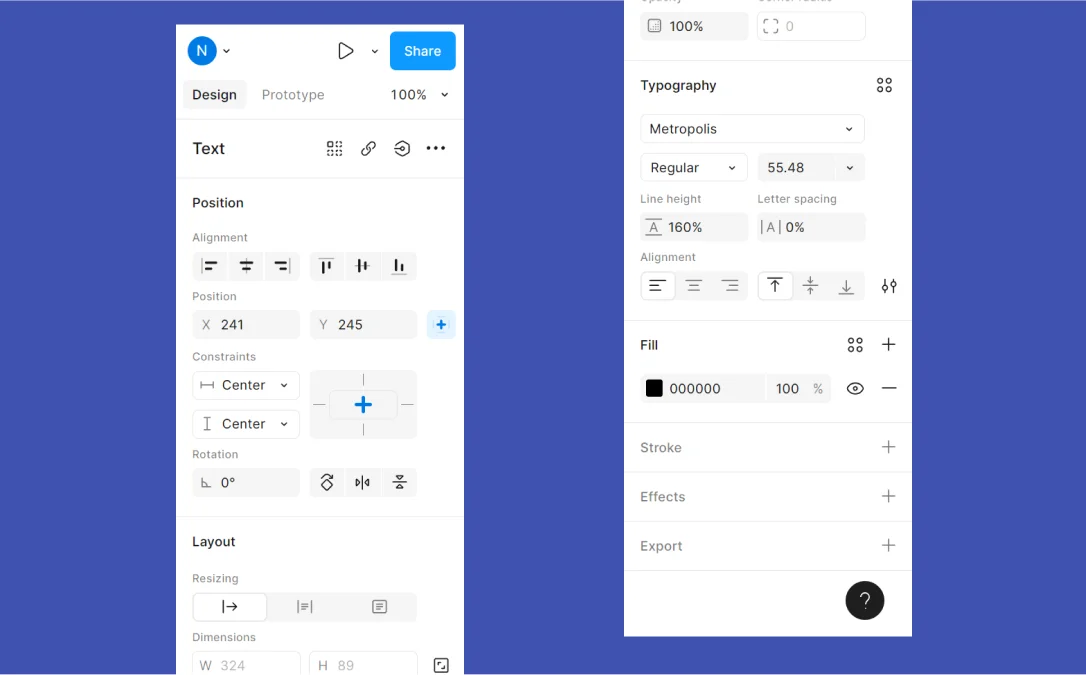
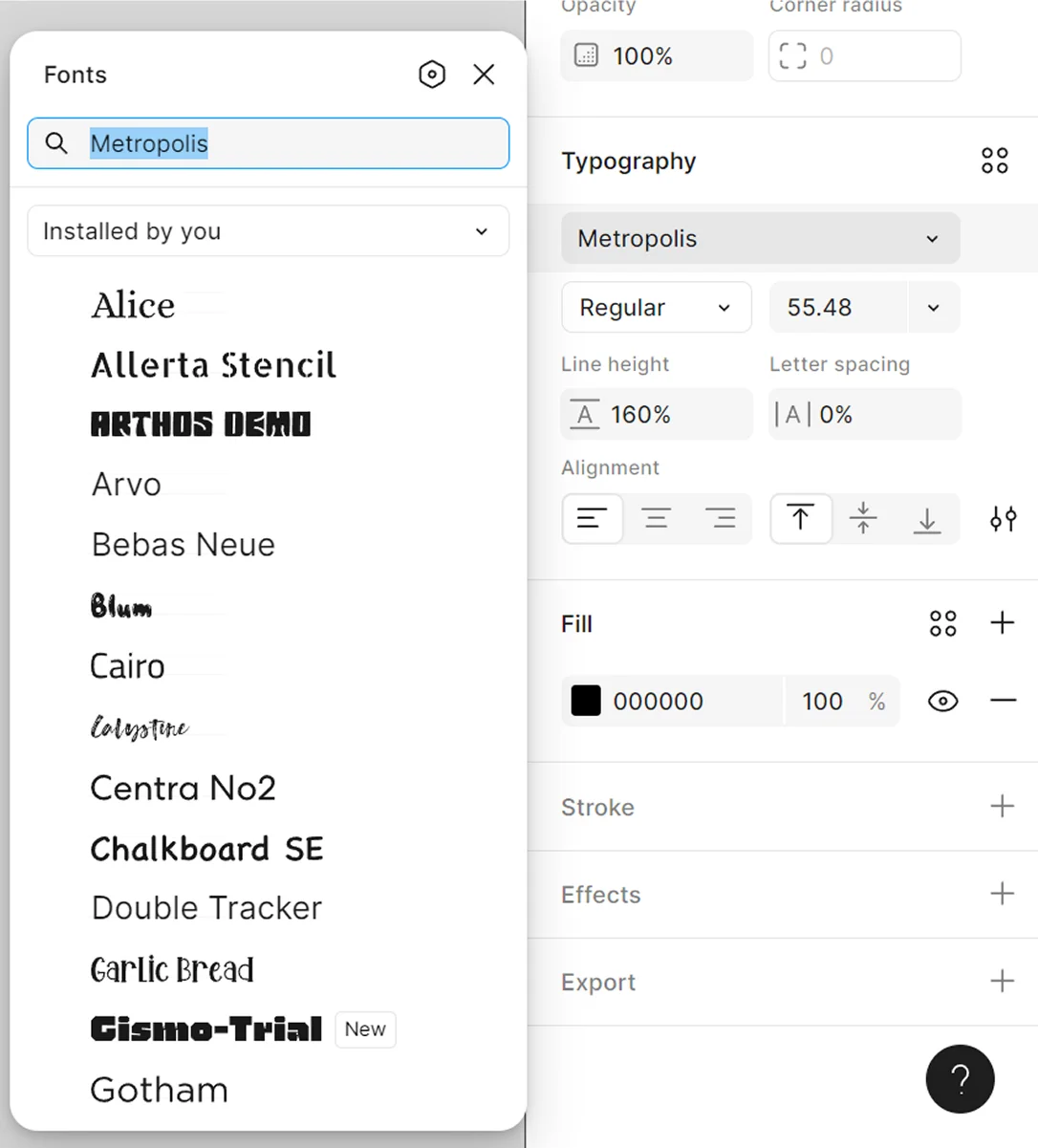
If you do not see your font inside your Typography Font Selection option, that could be because you did not install the fonts on your system. All the fonts installed on your system are visible here.
Once you have done all of the above, you have a successful Wordmark that you can use as your logo in less than a $100.